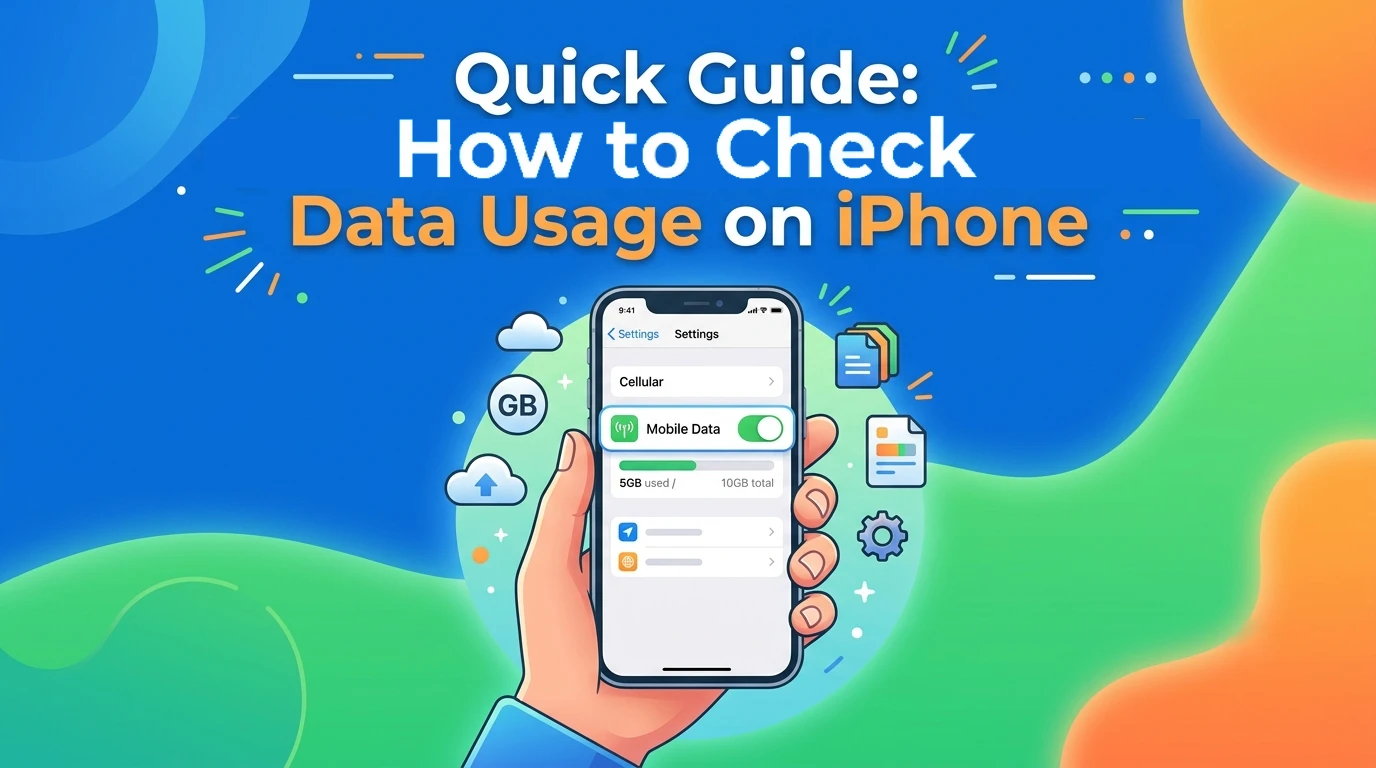
Quick Guide: How to Check Data Usage on iPhone



Whether you’re traveling abroad or using a limited data plan, keeping track of your data usage can help you stay within your limit and prevent roaming fees. In this quick guide, we’ll show you how to check data usage on iPhone and share simple tips to reduce unnecessary iPhone data consumption.
How to See Data Usage on iPhone?
You may want to keep track of how much mobile data your iPhone is using and which apps consume the most data. Regularly tracking data usage on iPhone can help you manage your data more effectively and avoid unexpected charges from exceeding your plan’s limit. This is especially important when traveling abroad. If you’re using a limited travel eSIM or data plan, monitoring your iPhone data usage helps you keep track of your remaining data and avoid running out of data during your trip.
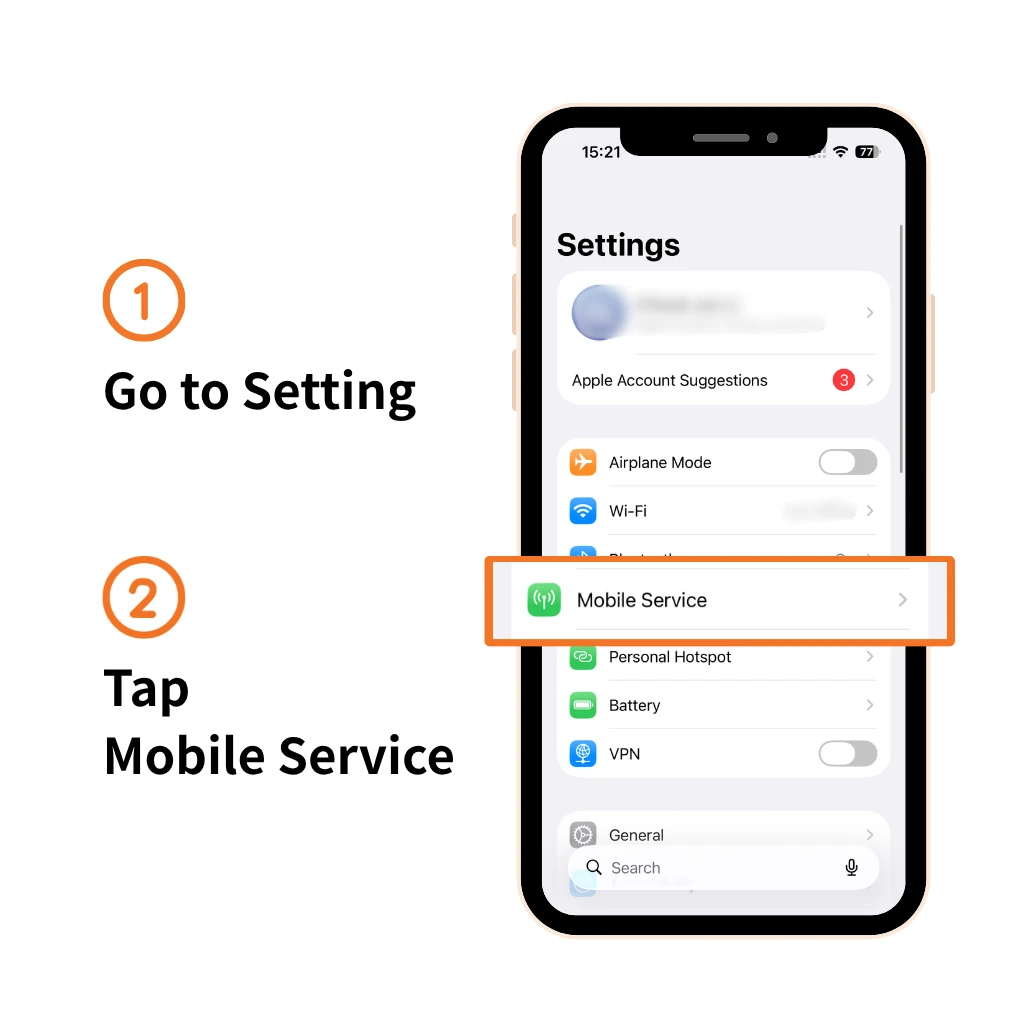
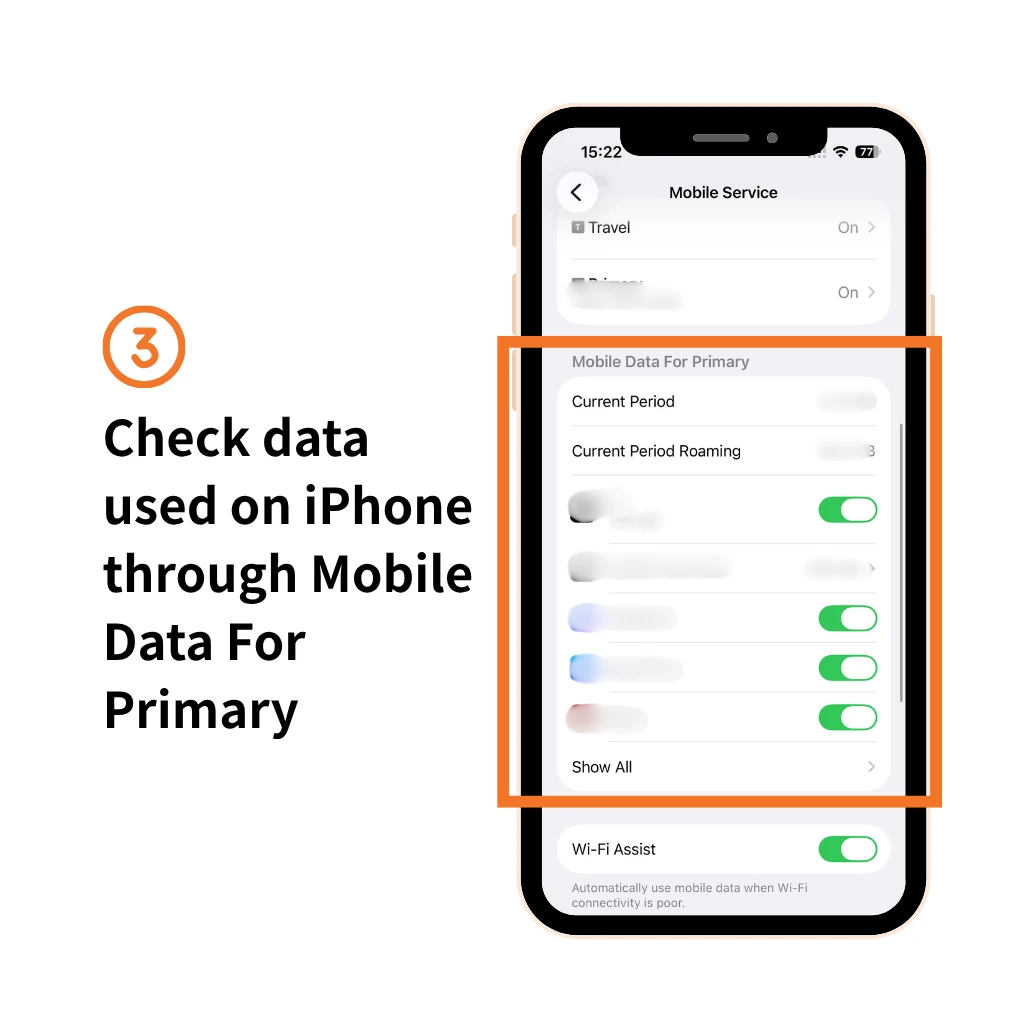
How to find data usage on iPhone? Follow the steps to check it:
- Step 1: Go to Setting
- Step 2: Tap Mobile Service
- Step 3: Check data used on iPhone through Mobile Data For Primary
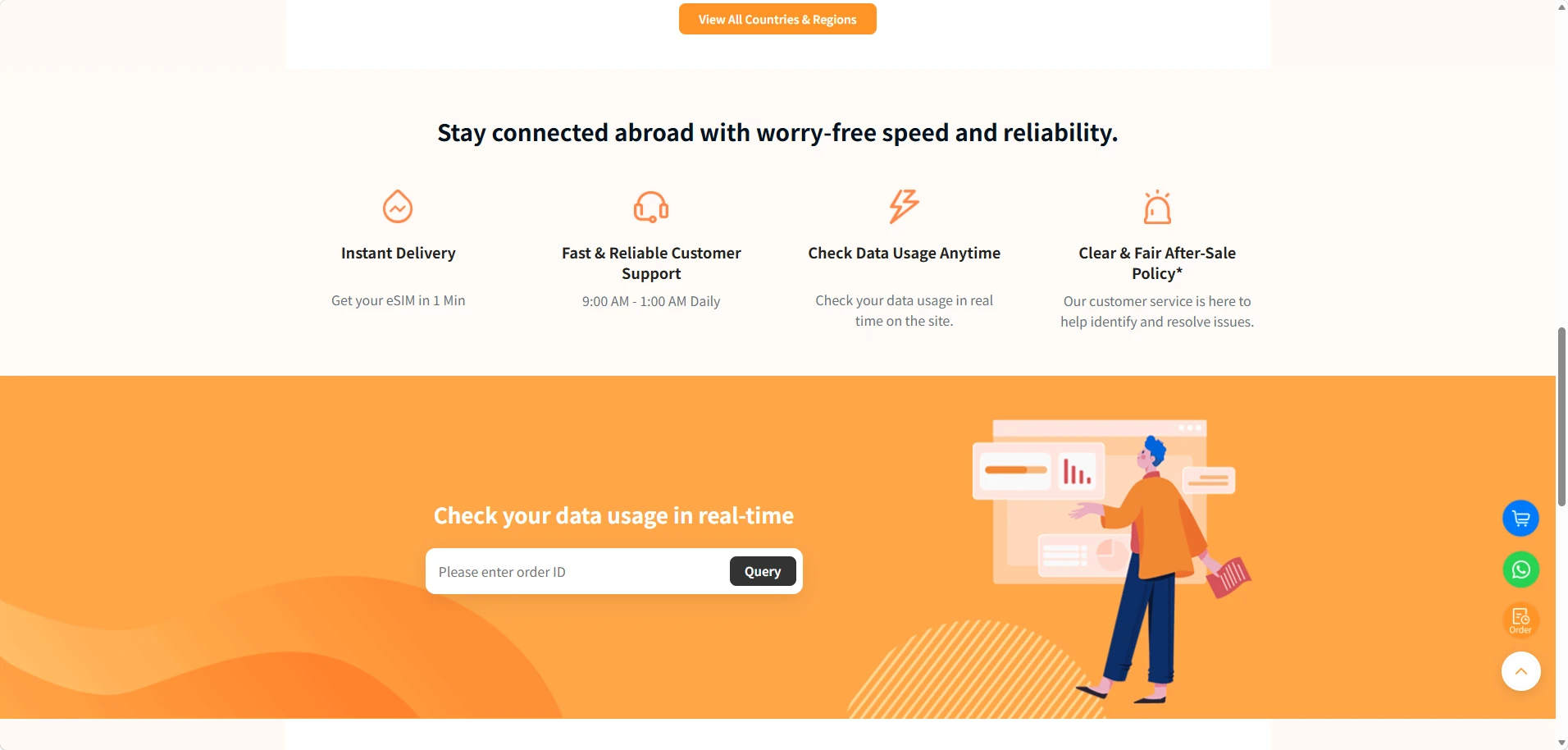
If you are using NPN Travel eSIM, you can instantly track your data used in our website with your order ID. Learn how to check how much data you have left:
- Step 1: Go to our Home Page
- Step 2: Scroll down and find Check your data usage in real-time
What Is Current Period Roaming Meaning?
You can check current period, current period roaming and app details of iPhone data consumption. To better understand your data usage, you need to know what does current period mean for cellular data. It is a cumulative number from the date you’ve reset. You can scroll to the bottom and view your last reset time.
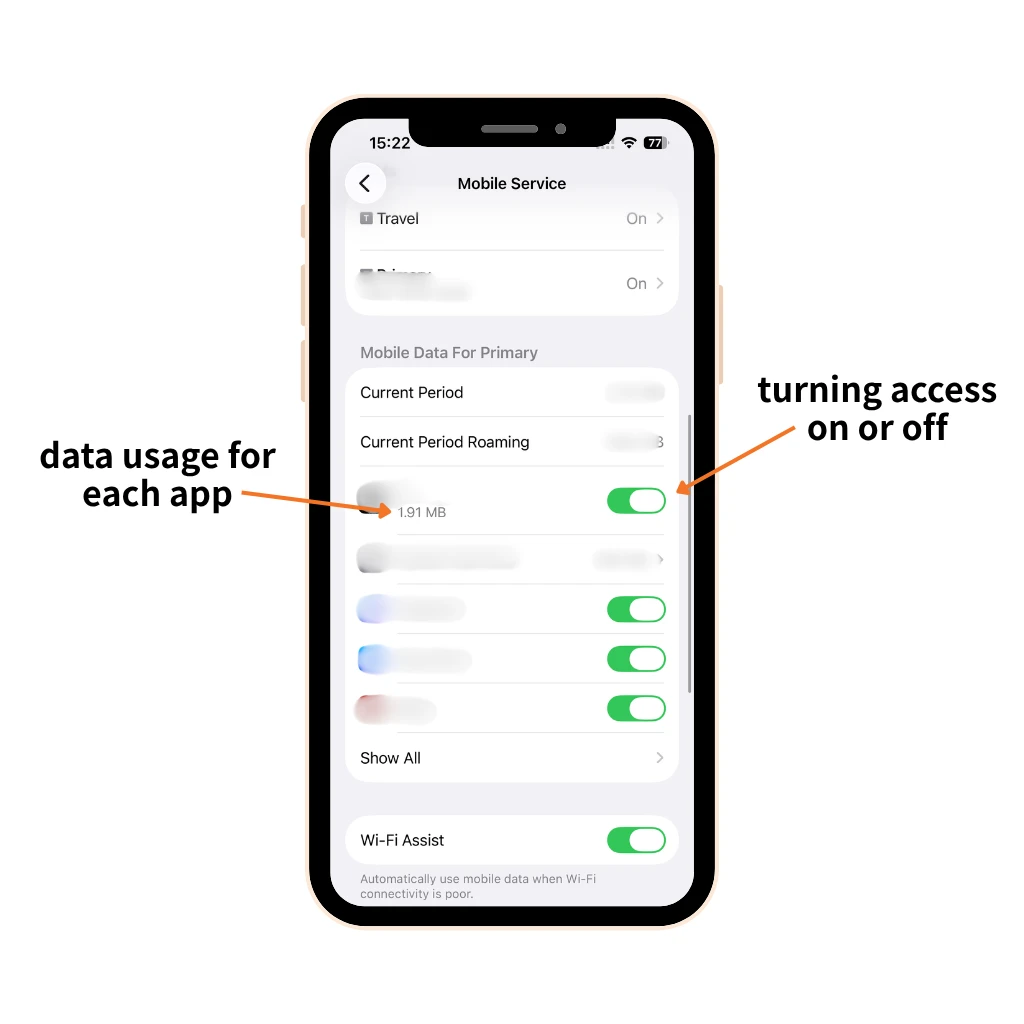
If you want to know how to check monthly data usage on iPhone, you need to reset the calculation period frequently:
- Step 1: Go to Setting
- Step 2: Tap Mobile Service
- Step 3: Scroll to the bottom and Tap Reset Statistics
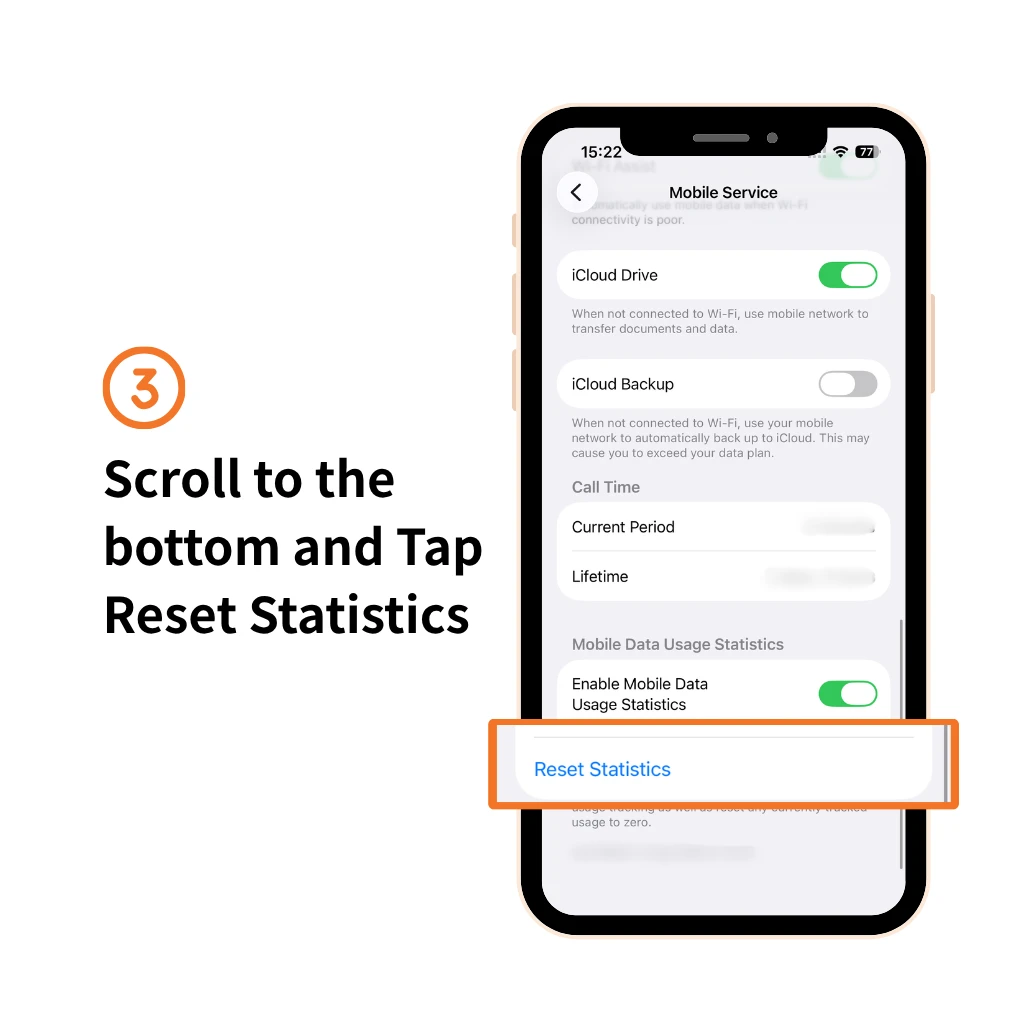
You can also control how much mobile data each app can use by turning mobile data access on or off for specific apps.
Bonus Tips: How to Reduce iPhone Data Consumption?
Running out of data while traveling can be a major hassle. Here are some practical tips to help you reduce unnecessary data usage and make your data last longer.
Use Wi-Fi instead of Data
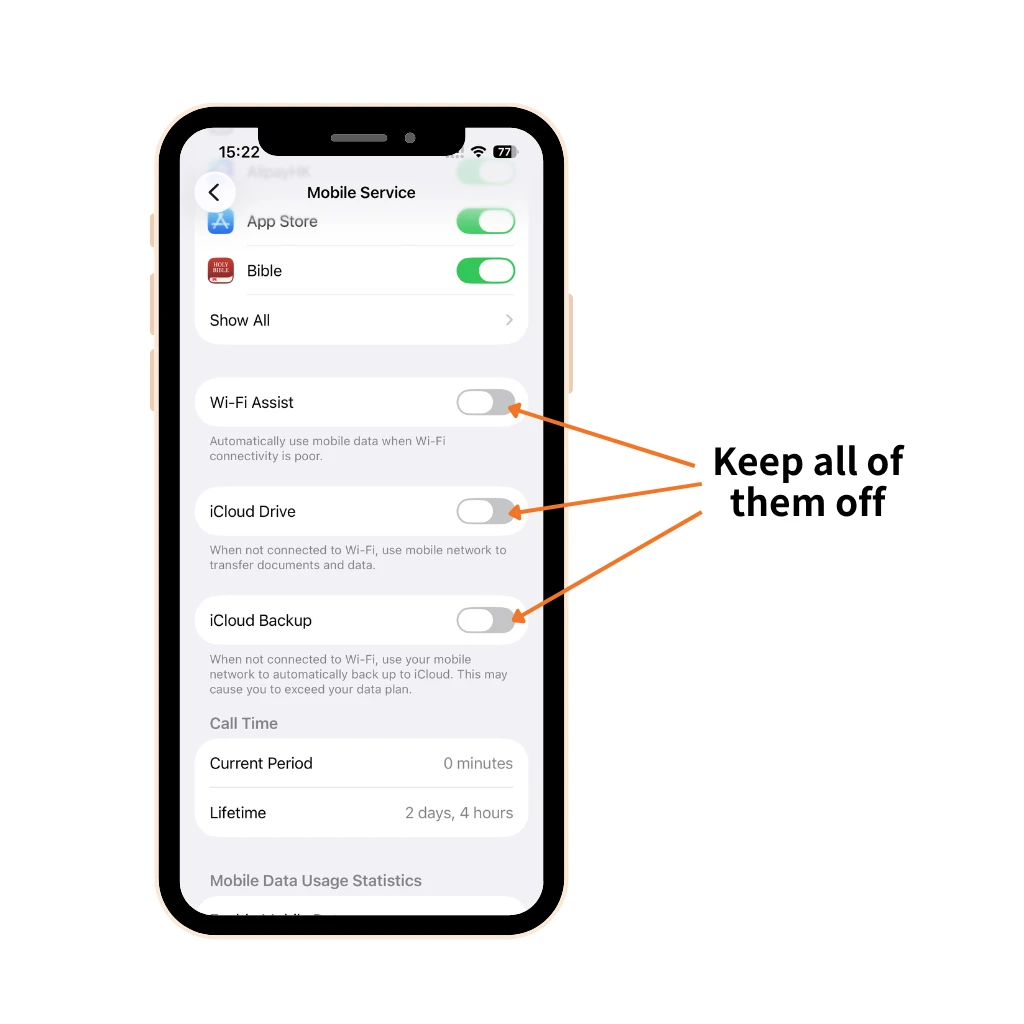
This is one of the most effective ways to reduce iPhone data usage. In addition to turning off mobile data, you can also disable Wi-Fi Assist, App refresh and iCloud-related features to prevent your iPhone from using large amounts of mobile data without you realizing it.

Turn off Data-hungry App
Tracking data usage on iPhone and close the access to cellular data for the infrequently used and high consumption App.
Try NPN Travel eSIM for an unlimited data plan
All of NPN eSIM plans offer unlimited data usage. Upon reaching the data usage limit, data connectivity remains available to send Whatsapp messages and images. You can check data used on iPhone and top-up your eSIM anytime. You can learn to set up an eSIM before using NPN Travel!
FAQ about iPhone Data Usage
1.How to check data usage in iPhone per day?
Go to Setting and view in the Mobile Data section to show data usage iPhone. However, it is a cumulative record. You have to reset daily to know your daily usage. Scroll to the bottom of the Mobile Data page to reset statistics.
2.How to check how much data you have left?
Check usage on iPhone for NPN eSIM plan, you only need to go on our website and type in your order code.
Final Thought
Here is how to check data usage on iPhone. By following the advice in this article, you can avoid exceeding your data limit and incurring unexpected charges. With NPN Travel eSIM’s unlimited data plans, you can stay connected throughout your trip without worrying about iPhone data usage.