
Install an eSIM on iPhone
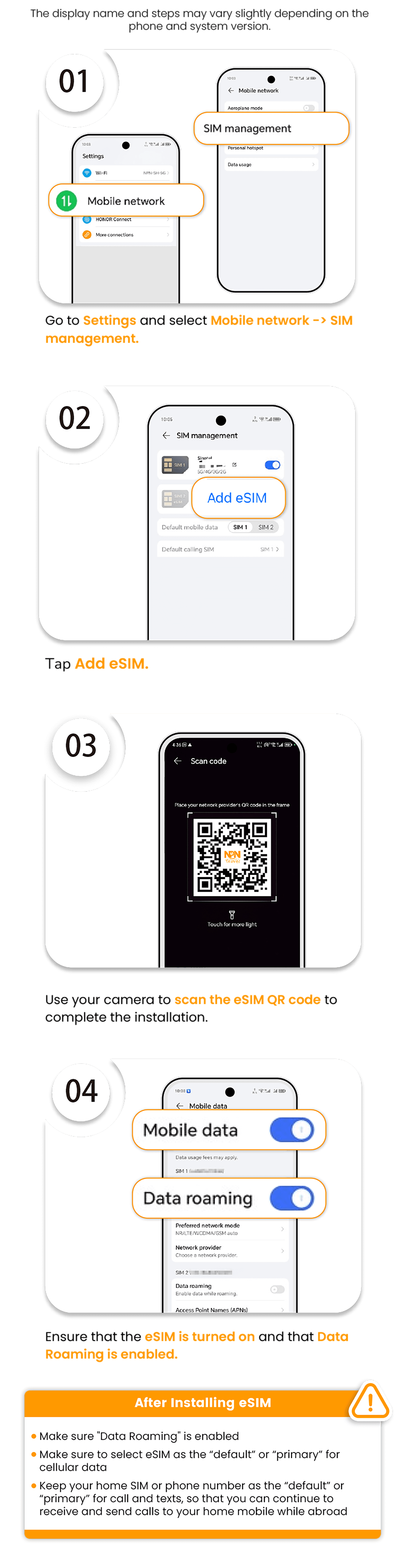
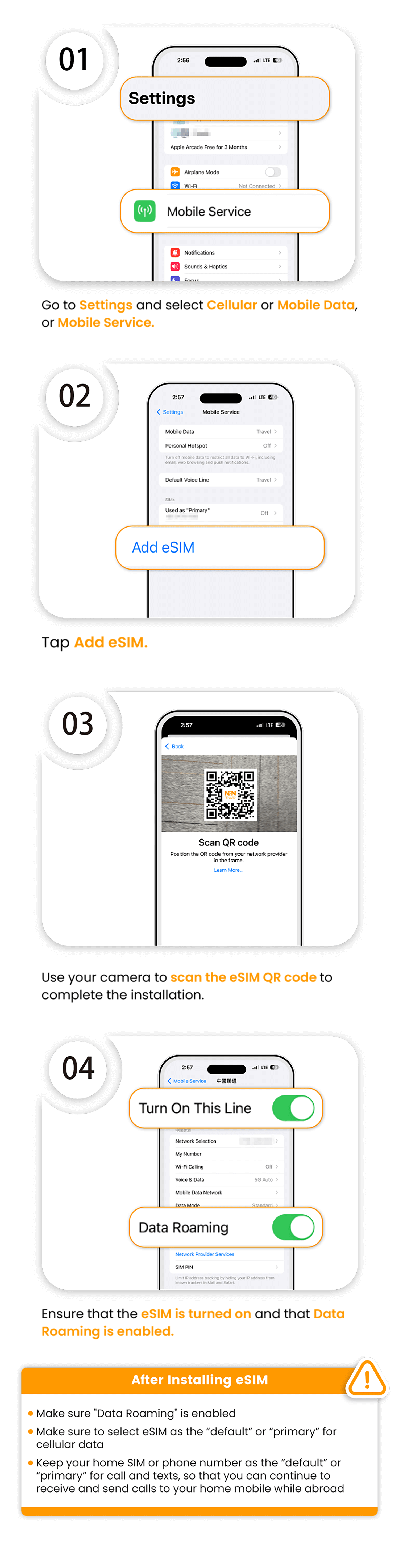
- Go to Settings and select Cellular, Mobile Data, or Mobile Service.
- Tap Add eSIM.
- Use your camera to scan the eSIM QR code to complete the installation.
- Ensure that the eSIM is turned on and that Data Roaming is enabled.
After installing eSIM
- Make sure Data Roaming is enabled.
- Make sure to select the eSIM as the default or primary line for cellular data.
- Keep your home SIM or phone number as the default or primary line for calls and texts, so that you can continue to receive and send calls to your home mobile while abroad.