Saily eSIM Not Working? Easy Steps to Get Connected



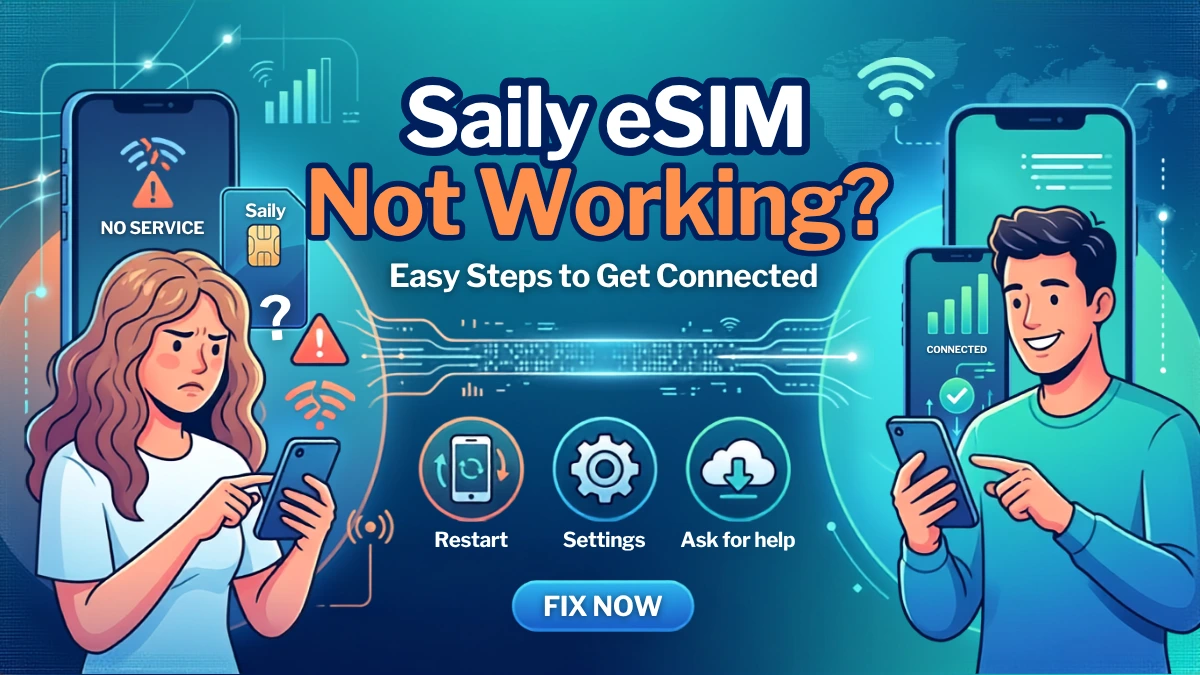
Your Saily eSIM is installed, but somehow there’s still no internet? You’re not alone. A Saily eSIM not working because of common issues like incorrect network settings, disabled data roaming, or wrong selection of SIM. Here is the ultimate Saily eSIM troubleshooting guide for both iOS and Android devices. Stay tuned!
- Why Is Saily eSIM Not Installing?
- What Should I Do If Saily eSIM Not Compatible with iPhone?
- How to Fix Saily eSIM Not Working iPhone/Android?
Why Is Saily eSIM Not Installing?
Trying to install your Saily eSIM but keep getting an error? Do not immediately assume that the eSIM itself is faulty. Installation requires a compatible, unlocked device and a stable internet connection. Here are some common reasons why installation may fail:
- Your Phone Doesn’t Support eSIM: Not every smartphone supports eSIM technology. Check phone compatibility before you purchase an eSIM.
- Your Internet Connection Is Unstable: If the Saily eSIM not installing continuously, try switching to a different Wi-Fi network or using mobile data. Saily also recommends disabling a VPN temporarily if one is active.
- Your Phone Software Is Outdated: Check for available system updates before trying again. Keeping your phone updated can also help prevent other network-related problems.
- The eSIM Has Already Been Installed: If you find that Saily eSIM not showing up in settings, other devices may already use the code.
- The Saily App Installation Has Failed: If automatic installation through the Saily app doesn’t work, Saily provides manual installation options using a QR code or activation detail.
What Should I Do If Saily eSIM Not Compatible with iPhone?
If your iPhone does not support eSIM, there isn’t a setting you can change to make an eSIM work. You need a compatible device that supports eSIM technology. However, if your iPhone does support eSIM but Saily eSIM not working, the fixing step is similar to general eSIM. You can check as follow:
- Check Your iPhone and eSIM Compatibility: Before installing Saily eSIM, check whether your iPhone supports eSIM and make sure it is carrier-unlocked. If you find that Saily eSIM not compatible with iPhone or Android on your hand, try a physical SIM card instead of eSIM.
- Check the eSIM and Mobile Data Settings: Make sure your Saily eSIM is installed and turned on, then select it as your mobile data line. Also check that Data Roaming is enabled for the Saily eSIM.
- Check Your Network Connection: If the internet and Saily eSIM not working iPhone, try turning Airplane Mode on and off. If you’re using 5G and the connection isn’t stable, switch to 4G/LTE and try again.
- Check Your APN Settings: Incorrect APN settings can make Saily eSIM not working. If you can connect to the network but have no internet, check whether your APN settings are correct.
- Update and Restart Your iPhone: Make sure your iPhone is running the latest iOS version, then restart your device. This can help refresh the eSIM and network connection.
- Reset Network Settings or Contact Support: If Saily eSIM not working on an iPhone continually, try Reset Network Settings as a last resort.
How to Fix Saily eSIM Not Working iPhone/Android?
Finding how to fix Saily eSIM not installing? Follow the Saily eSIM troubleshooting steps as the following. There are similar steps on iPhone and Android, exact menus may vary between different brands and models.
- Step 1: Check Your iPhone and eSIM Settings
- Step 2: Select Saily for Mobile Data
- Step 3: Turn On Data Roaming
- Step 4: Refresh Your Network Connection
- Step 5: Check Your APN Settings
- Step 6: Reset Network Settings
Still Can’t Connect? Try NPN Travel eSIM!
If you’ve tried all the steps above and your Saily eSIM not working constantly, NPN Travel eSIM can be another option for staying connected while traveling.
NPN Travel offers data plans across 150+ countries and regions, flexible plan durations, and 24-hour real-man customer support. If you’re already abroad and need a reliable data connection, switching to another travel eSIM may be simpler than spending more time Saily eSIM troubleshooting.
Conclusion
If you’re having trouble with Saily eSIM not working, check whether you phone supports eSM, has a stable internet connection, and is running the latest software. You can also try the manual installation method contract Saily Support if the problem continues.